
WP Job Manager by Automattic
Add searchable vacancies and employer submission forms to a WordPress site.
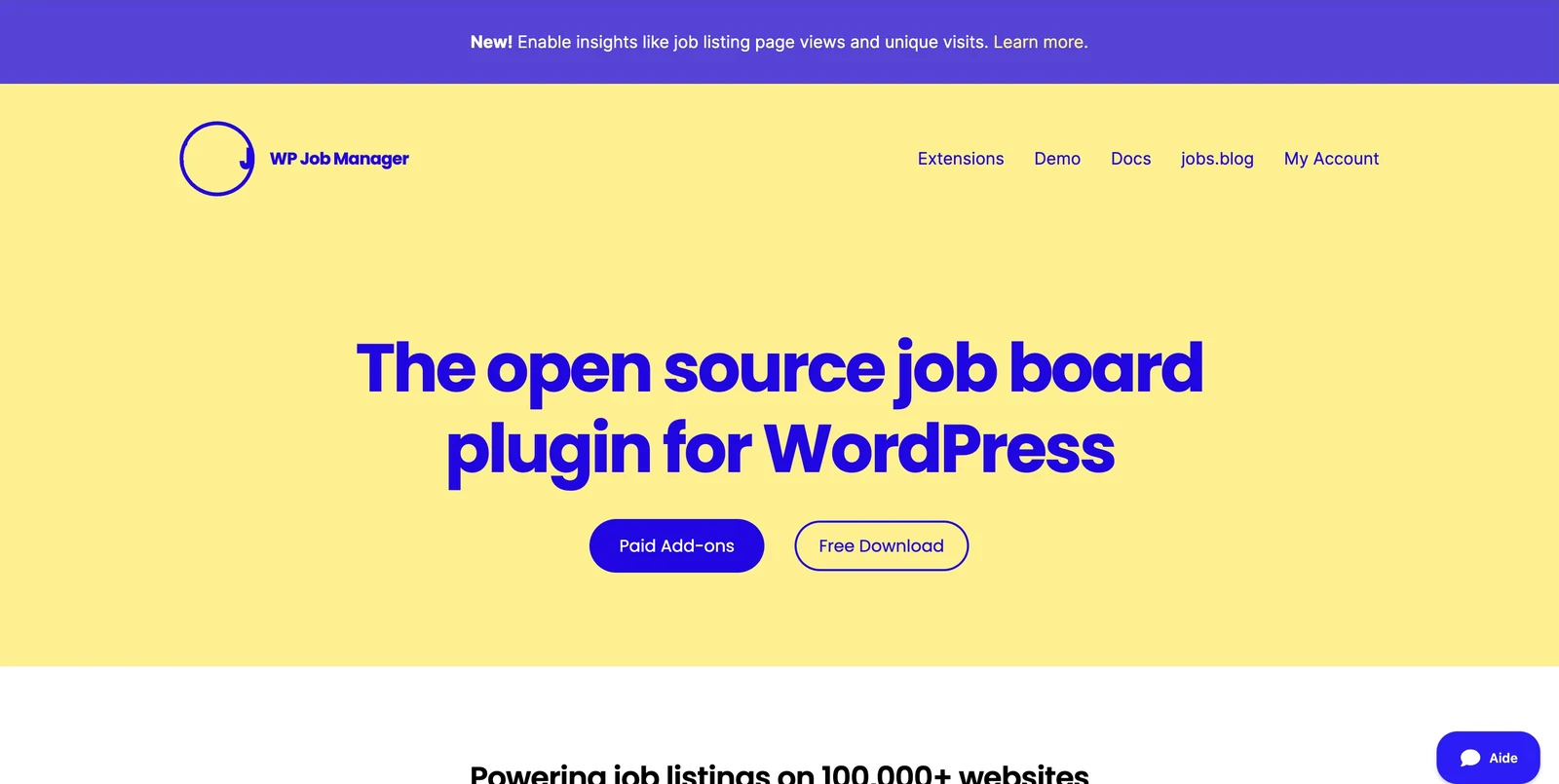
A free core built on familiar WordPress screens
WP Job Manager is the sensible default for a WordPress site that wants a job board without leaving WordPress. Automattic, the company behind WordPress.com and WooCommerce, maintains it. The core plugin is open source, and its WordPress.org page says it is free and always will be.
Jobs become their own content type, with locations, categories and other taxonomies. The installation guide has you build the board out of shortcodes placed on ordinary pages.
[jobs]shows the listings with a keyword and location search.[submit_job_form]gives employers a frontend form, with a preview before the job goes live.[job_dashboard]is where they edit a listing, mark it filled or remove it.
Each job points candidates to an email address or a website. Listings also carry Google job schema, so job search engines can read them.
Nine paid add-ons on yearly licenses
The free plugin handles listings and submissions. Most of what helps a board earn money or bring candidates back lives in the core add-ons.
| Add-on | What it brings |
|---|---|
| Applications | An on-site application form |
| WC Paid Listings | Job packages sold through WooCommerce |
| Simple Paid Listings | A set fee per post via Stripe or PayPal |
| Resume Manager | Candidate resumes on your site |
| Job Alerts | Email alerts for saved searches |
| Bookmarks | Saved jobs and saved candidates |
| Application Deadline | A closing date on each listing |
| Embeddable Job Widget | Your listings embedded on other sites |
| Job Tags | Skill and technology tags that work in search |
Each add-on is sold as an annual license, and a bundle groups all nine under a single key. Support and updates last a year from purchase, so a board that leans on several extensions has a renewal to plan for. Third-party add-ons are listed on the site too, but the bundle doesn’t include them.
Theme styling and the upkeep of a plugin board
The plugin page says it works with any theme, given a bit of CSS. Some WordPress.org reviewers are harsher about the default look, and one notes that getting things the way you want takes custom development. If the board has to match a polished site, set aside time for templates. Developers get custom post types, endpoints and template files to work with.
Running it also means running WordPress. Someone has to keep the plugin, its add-ons and the theme updated and compatible. For a publisher already doing that for the articles, the job section is one more item on the same list. Free users get help in the community forum, and paid add-on support goes through your account. Both start from the documentation.
In the magazine
Who will maintain your job board on Monday?
A job board’s running costs include staff time. Compare who handles payments, updates and employer support with Kardow, WP Job Manager and Bordful.
Let the publisher run your job board demo
An employer’s correction request makes a good test for a job board demo. Let the publisher fix a vacancy and check how the change reaches candidates.