
Supersparks Webflow template
Build a Webflow job board around employer submissions and community accounts.
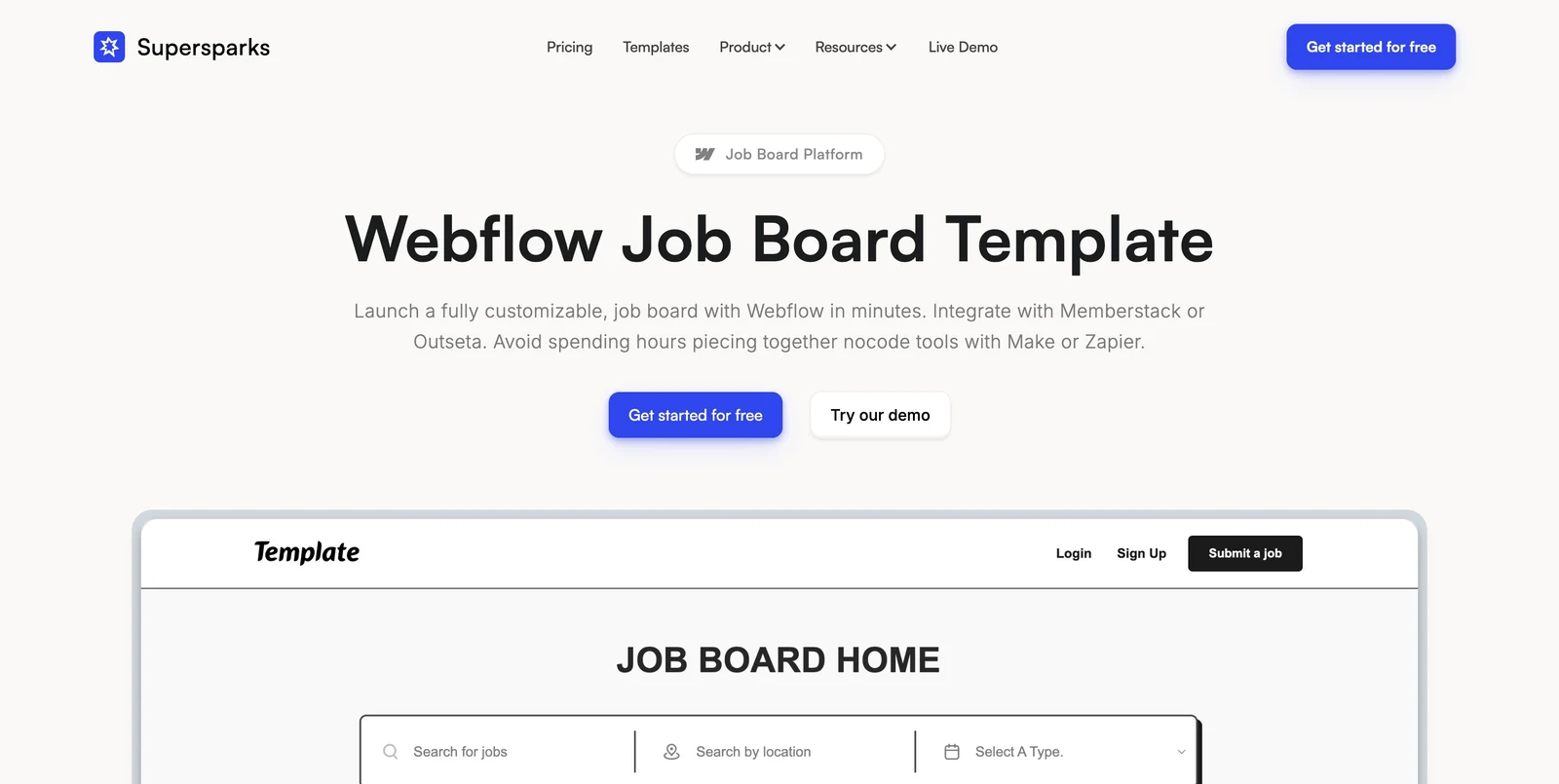
The demo opens on a plain black-and-white page. A bold, all-caps “Job Board Home” title sits above a wide search bar with three fields: keywords, location and a work-type dropdown for on-site, hybrid or remote roles. Below it, job cards show a thumbnail, the title, the city, the company and a posting date. A sidebar lists job types and locations, and each one links to its own category or location page. To a Webflow designer, this reads like a wireframe more than a finished brand. There are no colors to fight and very little decoration to strip out.
That bareness makes sense once you see how the template ships. Supersparks offers it as a Webflow clone in four versions.
| Clone | Set up for |
|---|---|
| Memberstack | Memberstack components preinstalled |
| Outseta | Outseta handling sign-up and login |
| No membership | Guest-only posting |
| Unbinded | Adding the board to an existing Webflow site |
New posts are stored in the Webflow CMS, so you style job pages the way you’d style any collection template. The demo is rough in places. A few test listings and some placeholder copy are still visible, so judge the structure and ignore the content.
Member posting and the approval queue
The template is only the front end. Posting runs on Supersparks, an app you install after cloning. Its help docs describe what it adds to the site.
- A submission form with a rich text editor
- Custom fields for the details each job needs
- Image and PDF uploads
Memberstack or Outseta handles sign-up and login, and you can restrict the job form to specific member groups. When a signed-in member publishes, their profile details appear on the post. Guests can post too, when you switch that on.
Moderation comes down to one choice per content section. New posts are either approved automatically or held until you approve them by hand, and a dashboard is where you review what comes in. A niche community or a newsletter could use this to take job posts without employers emailing the editor first. Charging employers for a listing isn’t covered on the template page, so you’d need to add it yourself.
Cloning the template is free, and the app runs free on a .webflow.io staging domain. Publishing on your own domain needs a paid Supersparks subscription, on top of whichever membership tool you choose. If you already work in Webflow, most of the learning curve is likely to be wiring those pieces together. Supersparks also sells a one-time setup service for people who would rather hand that job off.