
Softr
Turn structured records into a portal for candidates, employers, and editors.
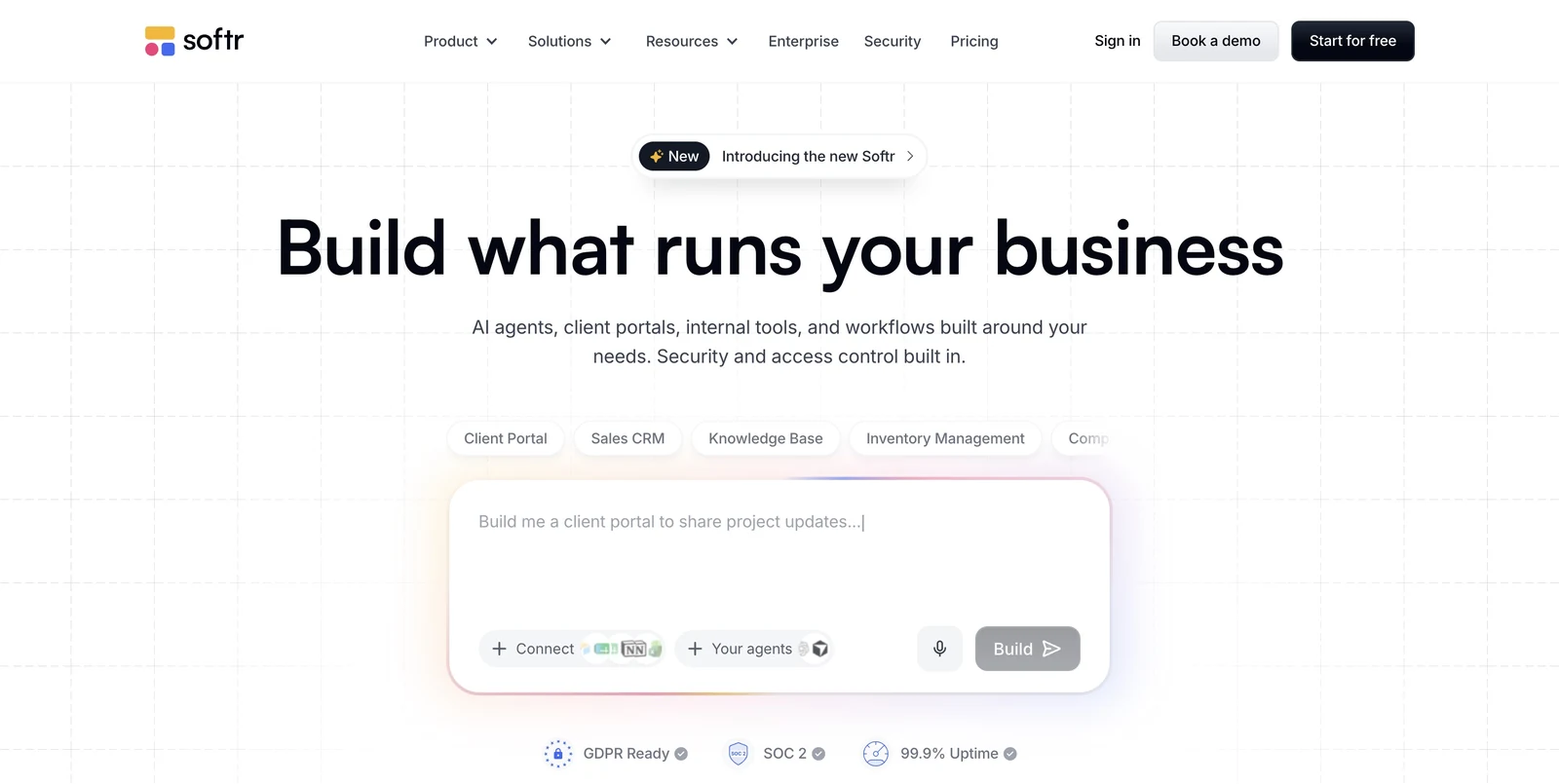
Most job boards built with Softr start in a table the operator already keeps. That might be an Airtable base, a Google Sheet, a Notion database or Softr’s own built-in database. Softr reads those records and turns them into pages. You don’t have to move your listings into a new system first, and for a small operator that may be the main appeal.
Each part of a job board maps onto a Softr piece.
| On the board | In Softr |
|---|---|
| Open roles | A list block with search and filters |
| One job | A detail page drawn from the same record |
| Applying or posting | A form that writes back to the source |
Softr’s docs walk through a job submission case that fits closely. An apply form sits on each job page, and a hidden field links every submission to the job the candidate was reading. That small step should save a lot of manual matching later.
A board built this way is only as tidy as the table behind it. Softr won’t plan your fields for you, and a messy base shows up on the site. Applications, moderation and employer accounts each need a clear home in the data before you arrange a single block. There’s also no dedicated job board template in Softr’s gallery. The closest is a recruitment agency portal built on Softr Databases, with sample tables for openings, applicants, recruiters and client companies. Its page doesn’t mention paid job posts, so a classic public board that charges employers will take more building.
Records filtered by the logged-in user
Access is where Softr gets more interesting. People who sign in belong to user groups, and pages, blocks and action buttons can be shown or hidden per group. Conditional filters go a step further, showing each signed-in user only the records tied to their email. On a job board, that could split the audience in two.
- Employers log in and see their own postings and the applicants for them.
- Candidates browse the public listings and nothing else.
Softr’s docs say these checks run on the server, so they aren’t just cosmetic.
Softr’s plans count app users, meaning anyone who logs in, and each tier caps how many you get. A board where candidates browse and apply without an account stays light. One that asks every job seeker to build a profile will reach those caps sooner. In our view, that makes Softr a natural match for niche or internal boards run by people who already live in spreadsheets. Finer controls like granular permissions sit on the higher tiers, and some data connectors are reserved for paid plans too.